
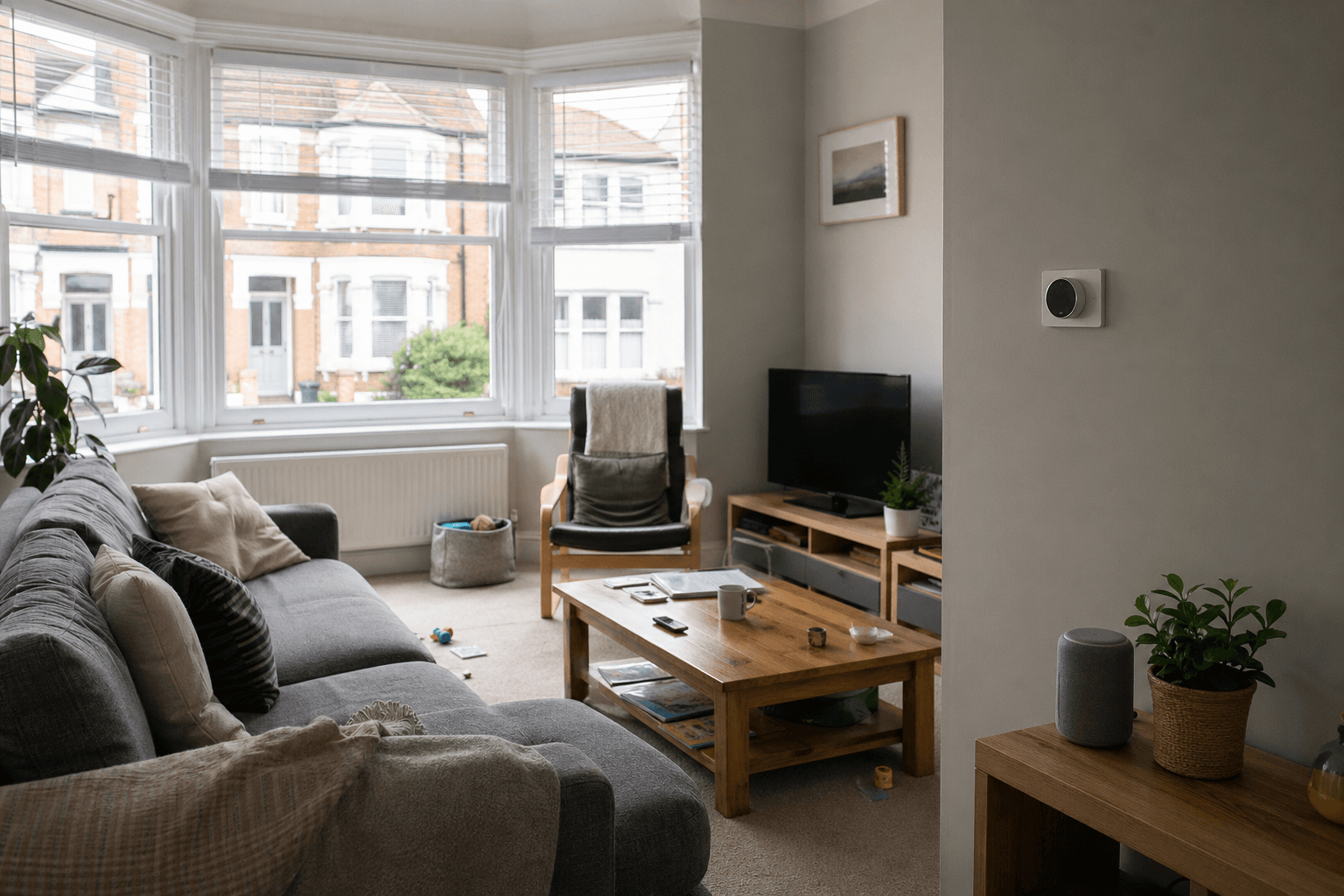
Smart home gadgets I rushed into (and what I would do differently): lessons for UK homeowners
If you went hard on smart home upgrades early on, you probably learned that novelty fades faster than reliability. Here is a calm UK-focused guide to ecosystems, lighting, locks, network foundations, and documentation.
Why smart homes quietly annoy people who love gadgets
If you went hard on smart home upgrades in your first place, you probably recognise the pattern: endless posts about what to buy next, glossy routines that look effortless online, and your own reality of apps that disagree with each other. This article is not a shopping list. It is the honest version I wish someone had handed me before I mixed ecosystems because every gadget had “the best reviews” on its own.
The uncomfortable truth is that the biggest quality-of-life improvement is rarely the newest sensor. It is picking one ecosystem and staying with it long enough that scenes and schedules stop breaking for mysterious reasons. That sounds dull next to voice tricks and colour-changing bulbs, but boring consistency is what stops your house from feeling like a needy pet.
Think in terms of boring problems, not cool features. Voice control is fun for a week. What actually improved my day was automating small friction: gentle lighting on night-time paths, shutting off a whole room with one switch or button, and alerts only when something genuinely needs attention. Smart home ideas only matter when they survive everyday family life in the UK, including guests who will flip wall switches without asking.
Need help with Electrical jobs?
Tell us about your job and we will match you with the right professional for Electrical jobs.
One ecosystem beats “best in class” chaos
When you mix brands because each item reviewed well in isolation, you often end up with several apps, more than one hub, and routines that fail when an update lands on the wrong device. You spend evenings reconnecting things instead of enjoying your home. The fix is intentionally narrow: choose a primary platform that fits how your household actually behaves, then buy compatible hardware rather than chasing isolated five-star reviews.
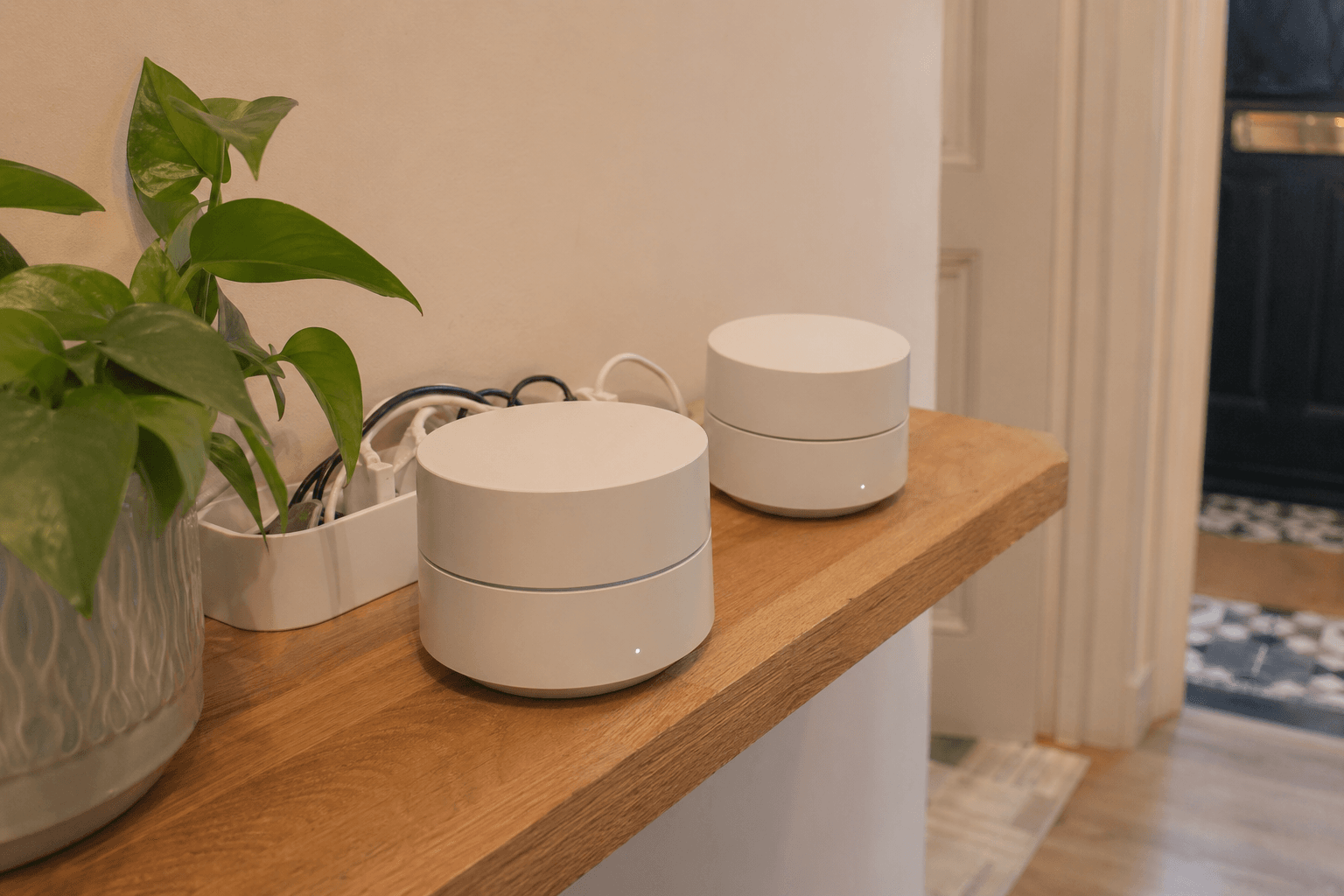
That does not mean you must buy everything from one manufacturer. It does mean you should know how devices will talk to each other before they arrive, and you should avoid stacking redundant bridges unless you enjoy troubleshooting radio overlap in a Victorian terrace with thick walls.
Local-first control is a phrase you will see in forums, and the spirit of it is simple: the action you care about should not require a perfect path through someone else’s server. That matters for comfort features, and it matters even more for anything you might need during a power cut, a provider outage, or a router replacement day when the whole family is working from home.
You can still use cloud features for non-critical conveniences, but keep the pattern clear in your head: if losing broadband turns an entry or security step into a puzzle, you have not finished the design. A household with children, older relatives, or regular guests will surface that problem faster than a single-person flat where one person memorises the workaround.
Automate friction you notice every week
Many beginners assume voice assistants are the point of a smart home. In practice, the wins are quieter. Automations that match how you move through the house beat novelty commands. Examples include pathway lighting after dark, fans or extraction linked to humidity where it matters, and notification rules that do not ping you every time a camera sees a leaf moving.
If you want calmer behaviour, design scenes around moments (arriving home, leaving, bedtime, guests staying over) rather than individual gadgets. When something still feels fiddly, that is often a sign you need fewer devices doing the same job, not more.
Schedules that track sunrise and sunset can help in the UK’s long winter evenings when you do not want to think about which lights were left on upstairs. The same automations can feel excessive in summer if you do not add seasonal common sense, so review them twice a year the way you would review heating schedules.
Also think about who maintains the system. If only one person understands the app stack, you have created a support ticket for your own life. Routines that are easy to explain beat clever chains that break silently when a single device updates.
Explore our Door and Lock Repairs service
See what is included, typical timings, and what to prepare before you book.
Lighting: why I wish I had started with switches
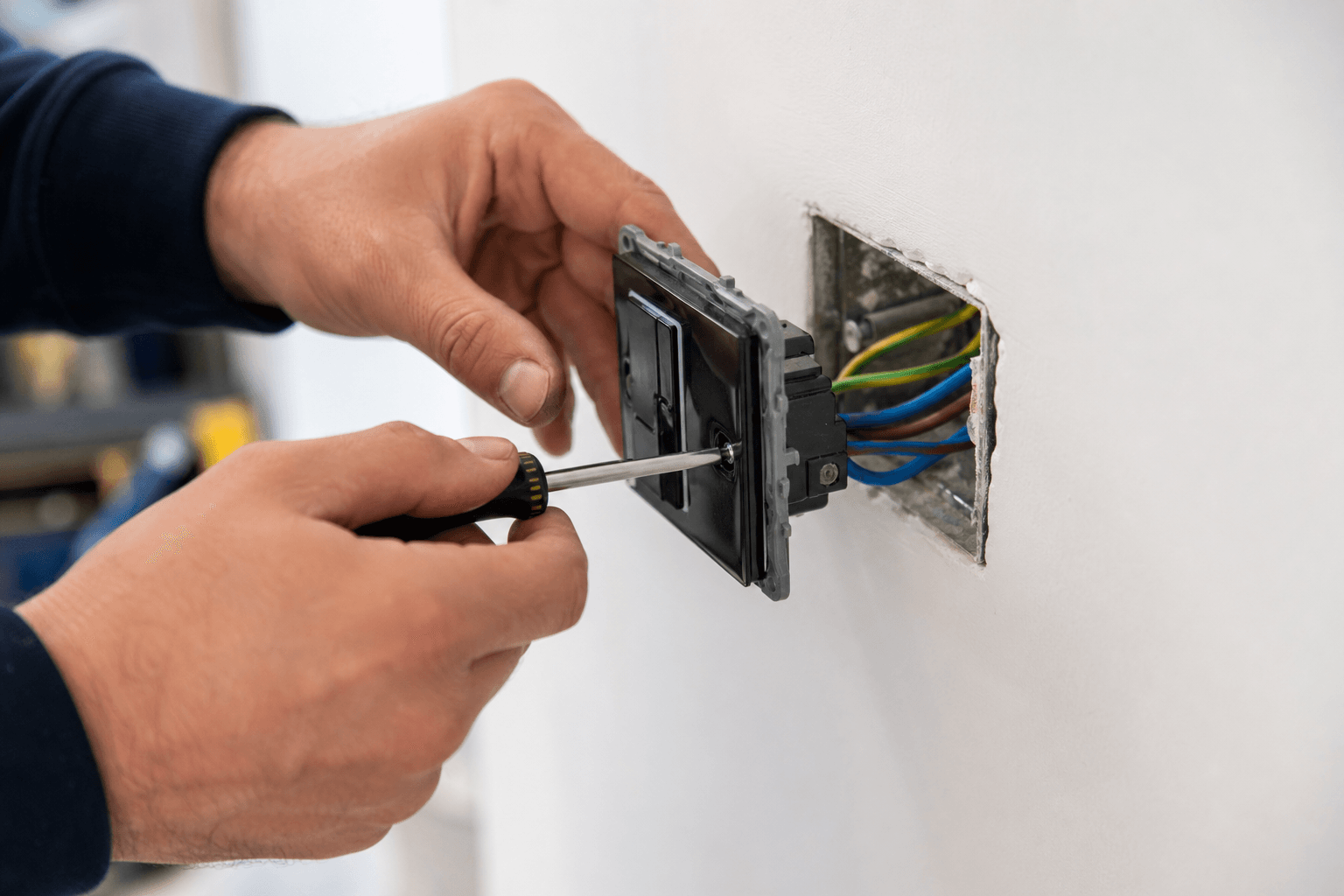
Smart bulbs everywhere sounds flexible until someone flips a traditional wall switch and the bulb loses power. Suddenly your “smart” light is just a dead lamp until you open an app. In many UK homes with ordinary switch plates, smart wall switches or dimmers feel more invisible for visitors because the wall control remains the main interface.
There are exceptions. Renters, listed quirks, or fittings without neutral wires at the switch can push you toward bulbs, plugs, or battery-powered options. If you go that route, plan how you will stop guests from cutting power accidentally. When in doubt, talk to a qualified professional before altering fixed wiring. Getting switch terminology and circuit layout right is cheaper than fixing damage or confusion later.
Dimmers add another layer. Not every LED fitting likes every dimmer module, and flicker often shows up at low brightness. If you are changing control gear, it is worth testing with the actual lamps you plan to keep, not a temporary bulb you remove later. For anything beyond a like-for-like swap, an electrician can confirm earthing, load, and minimum load requirements in a way a box label never will.
Small repair jobs also crop up when you touch older accessories: loose back boxes, awkward multi-gang plates, or kitchen zones that need to stay on a specific circuit. Those are the moments when a handyman or electrical visit saves you from “almost right” DIY that confuses the next person who opens the plate.
Smart locks need a well-behaved door first
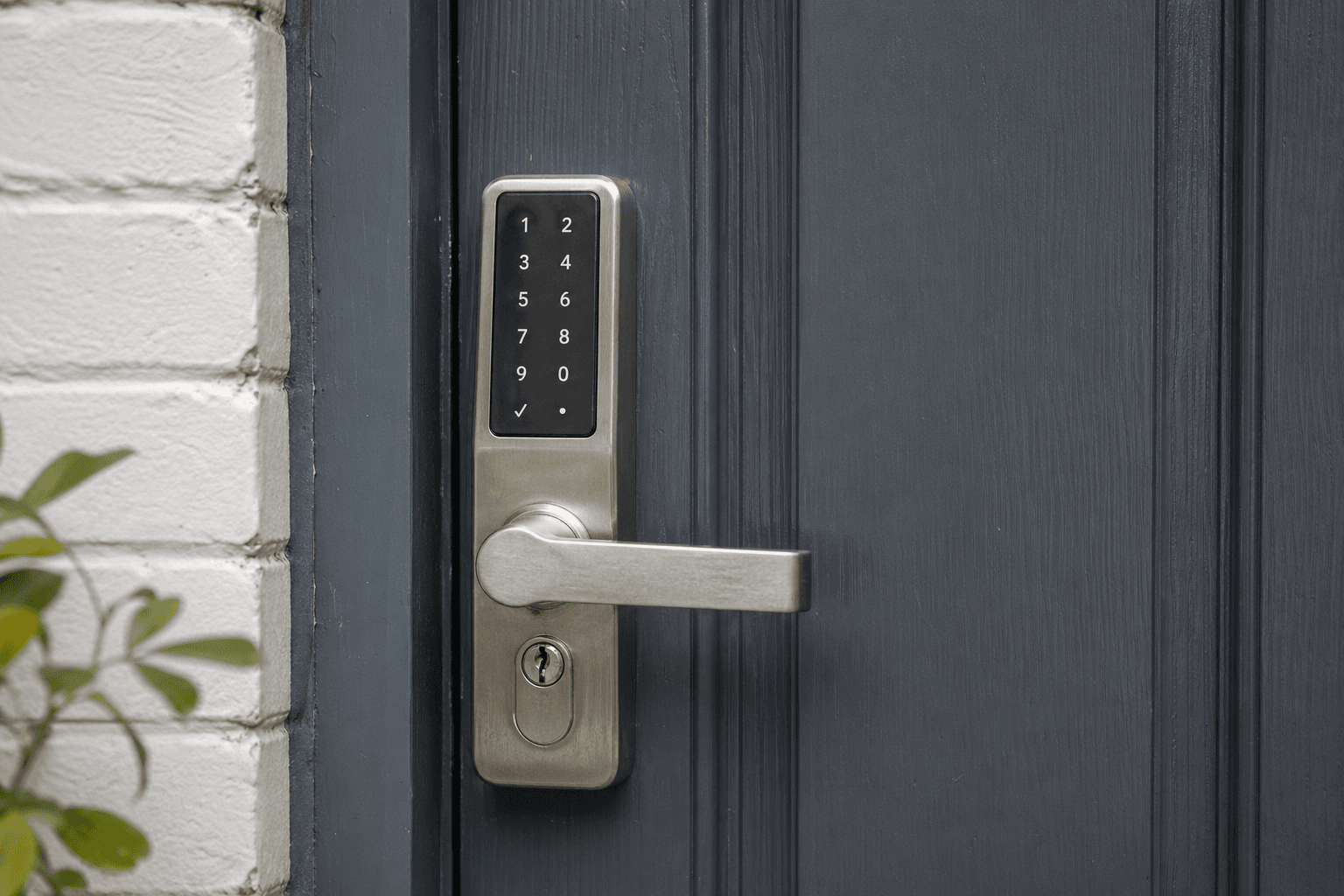
A cheap smart lock can become an expensive hobby. Some models chew through batteries, struggle when the door is not perfectly aligned, or beep at you until finding the fault feels like a weekly chore. Seasonal movement and humidity matter on real doors. If your frame shifts even slightly, a lock that sometimes secures properly is worse than a straightforward key because it trains everyone to distrust it.
Before you swap hardware, address alignment and strike plate fit where needed. Then choose a lock with a reputation for tolerating normal household movement, not only ideal showroom conditions. If you are unsure whether the door needs adjustment first, booking door and lock repairs early can save you from installing frustration on top of mechanical problems.
Think about power as well. Some designs are hungrier than others, and a lock that fails when voltage drops is a lock that fails at the worst time. If you are away often, you may want a backup key path that everyone in the house understands, not a single app login that lives on one phone.
Where the door is shared with a draughty porch or a south-facing glass box that expands in heat, small seasonal changes can show up as “mystery” lock errors. Sorting the mechanical side first is almost always cheaper than buying your way through multiple premium locks that were never the real problem.
Ready to book Minor Repairs?
Send a quick enquiry — we typically respond the same working day.
Safety-adjacent tech should work when broadband does not
Anything tied to security or serious risk deserves a grown-up failure plan. Garage door helpers, entry locks, cameras, and water shut-off concepts often assume always-on internet. The day your broadband drops can be the day you actually need access. Prefer approaches that still offer local control, manual overrides, or hardware buttons that do not depend on a remote server.
Cloud features can still exist for convenience, but critical paths should not vanish because a provider changed policy or your router rebooted. Test what happens when Wi-Fi is off: can you still open, close, or secure what matters without becoming IT support for your own hallway?
Water risk is a common motivator for automation, but the principle stays the same: know what still works when notifications fail. A buzzer in the cupboard is less glamorous than a slick dashboard, yet it can be more reliable when phones are on silent.
A calmer order if you are starting from zero
If you are planning in stages, a practical sequence looks like this: stabilise your home network first, because everything else argues when packets drop. Next, tackle smart switching in the rooms you use most, where behaviour matters daily. After that, consider a heating controller only if your system is compatible and you understand how your radiators or heat emitters respond in your property.
Leak sensing near risk points (under sinks, around the cylinder or incoming stopcock routes) can buy peace of mind before you chase cosmetic automation. Cameras often deserve to be last: they bring subscriptions, notification tuning, placement debates, and privacy questions that ripple through the whole household.
If you do add cameras, plan retention and access like an adult: who can view feeds, where clips live, and what happens when a neighbour’s window appears in frame. Those conversations belong in the same bucket as network upgrades, not as an afterthought bolted on after you have twelve alerts a day.
Heating upgrades deserve compatibility homework. UK systems vary widely, and what works in a new build may not map cleanly onto older zoning or unusual emitters. Rushing a controller because it looked clever online can leave you chasing cold spots through an entire winter.
Learn more about Electrical jobs
Browse how we deliver Electrical jobs and the questions homeowners ask most often.
Documentation is part of the installation
None of this is glamorous, yet it separates a house that quietly helps you from one that owns your evenings. Label hubs and bridges with plain language. Keep codes and recovery steps where a trusted person could find them. Sketch which breaker feeds which lighting circuit before you are tired and troubleshooting in the dark. Future you, guests, or trades will thank you.
When something needs wiring or mounting done safely, booking electrical jobs through a trusted marketplace can be quicker than guessing which cable is switched live in an unfamiliar back box. The goal is a smart home that reduces stress, not one that turns every minor fault into a research project.
Closing thought
Smart home upgrades work best when they respect how real homes behave in the UK: thick walls, Victorian quirks, busy families, and visitors who do not want a lecture at the door. Pick consistency over novelty, solve friction you truly feel every week, keep critical paths usable offline, and write things down like you are handing the house to someone sensible. That is how you move from “experimental rig” to a home that feels quietly capable.
Frequently asked questions: Smart home gadgets I rushed into (and what I would do differently): lessons for UK homeowners
Short answers to common questions about this topic.
Our team will answer all your questions. we ensure a quick response.
Contact UsRelated posts
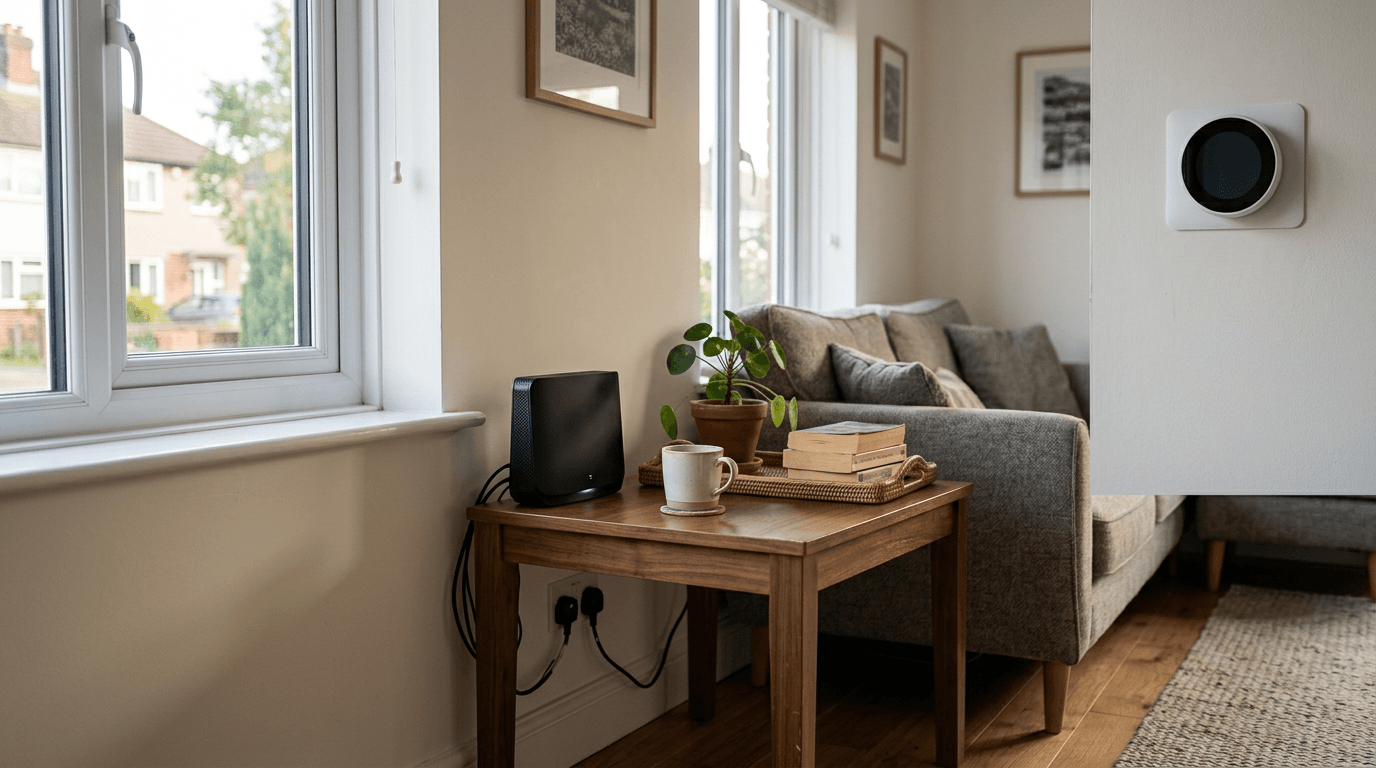
Practical UK guide to smart home planning: one ecosystem, better lighting choices, resilient locks, leak awareness, and when to book electricians and plumbers.

Practical UK tips for new homeowners on money worries, surprise repairs, garden upkeep, and when to book trusted help instead of struggling with DIY.
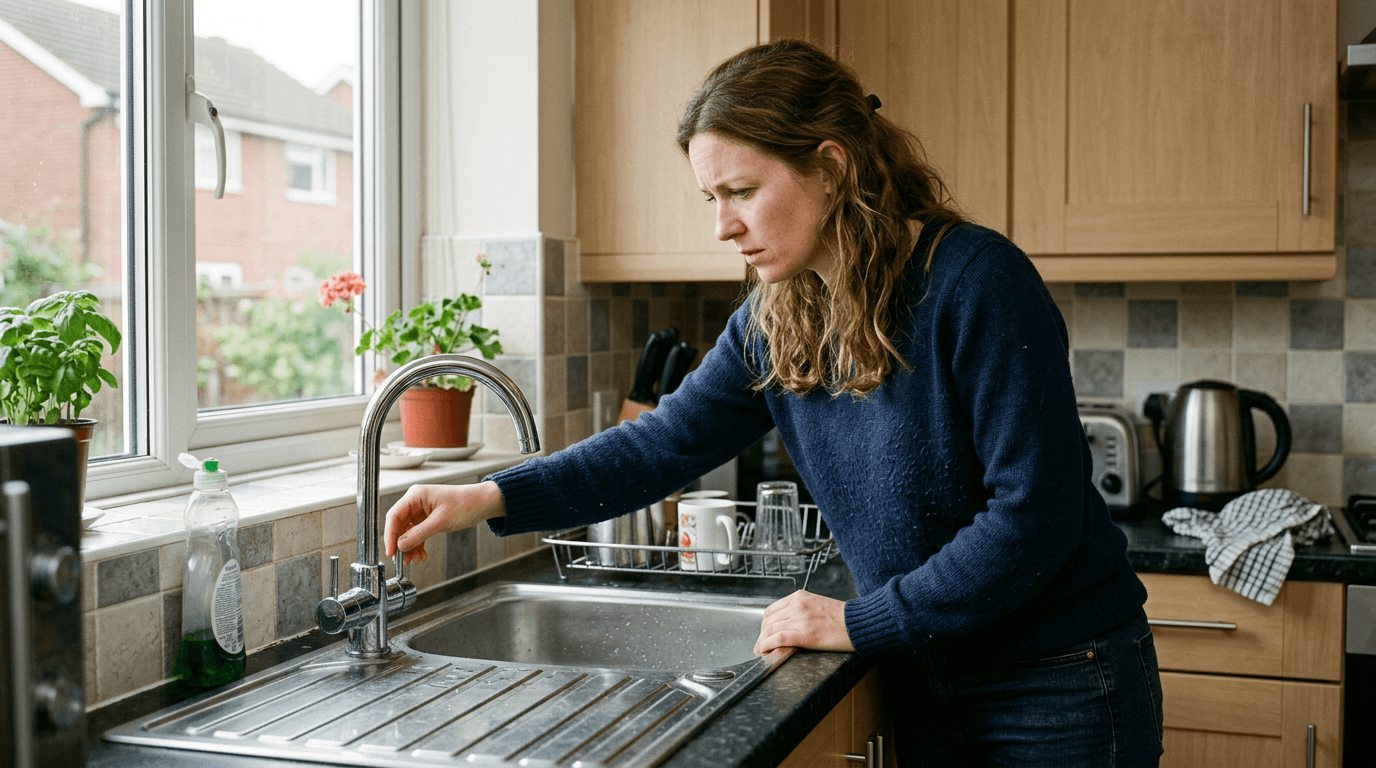
Why minor home issues feel scary, how to spot real urgency, DIY boundaries, and booking local trades with less stress on Taskino.
Latest in Handyman
View all in this category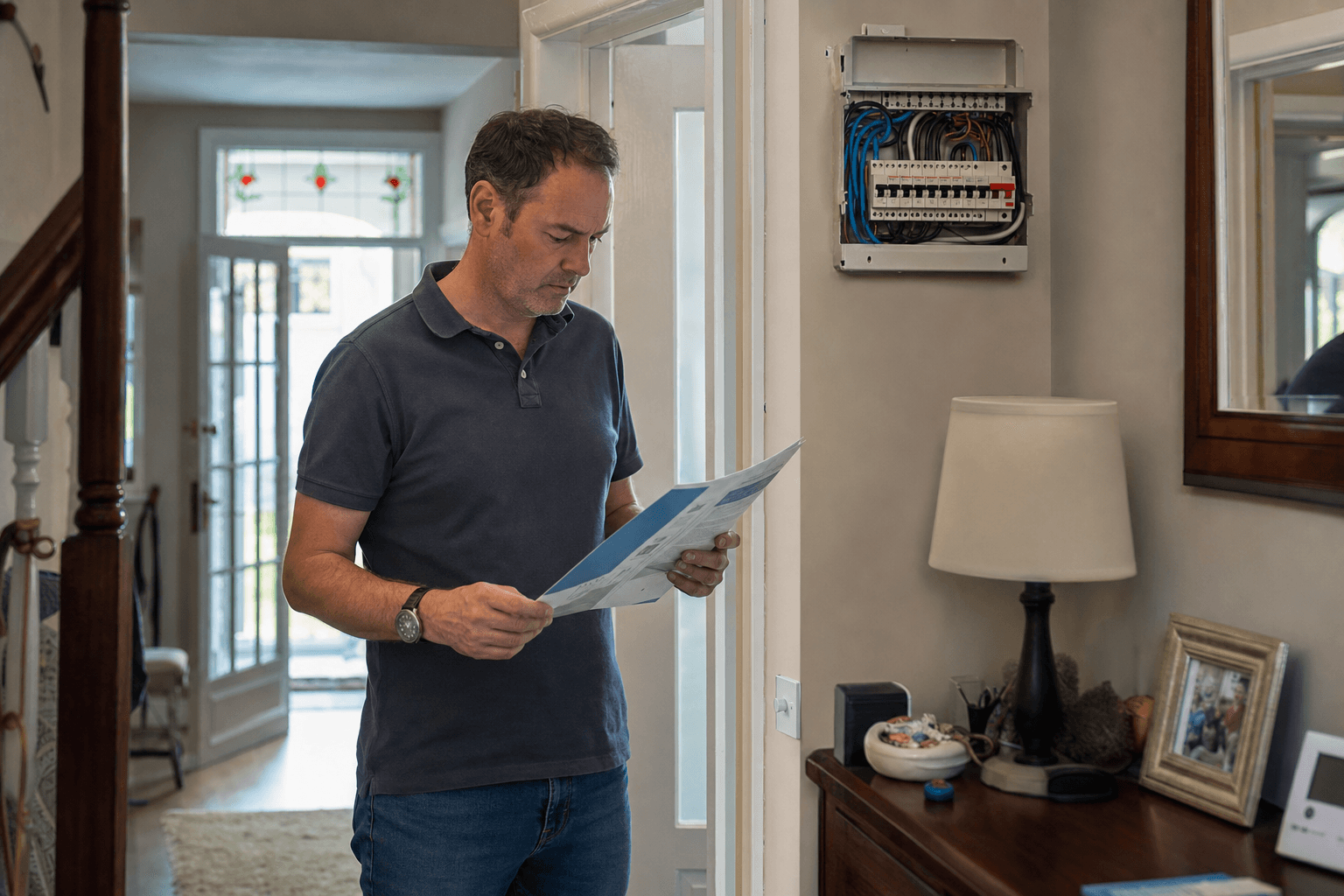
Part P notifiable electrical work in 2026: a room-by-room list of what you can legally DIY in a UK home and what needs an NICEIC electrician.
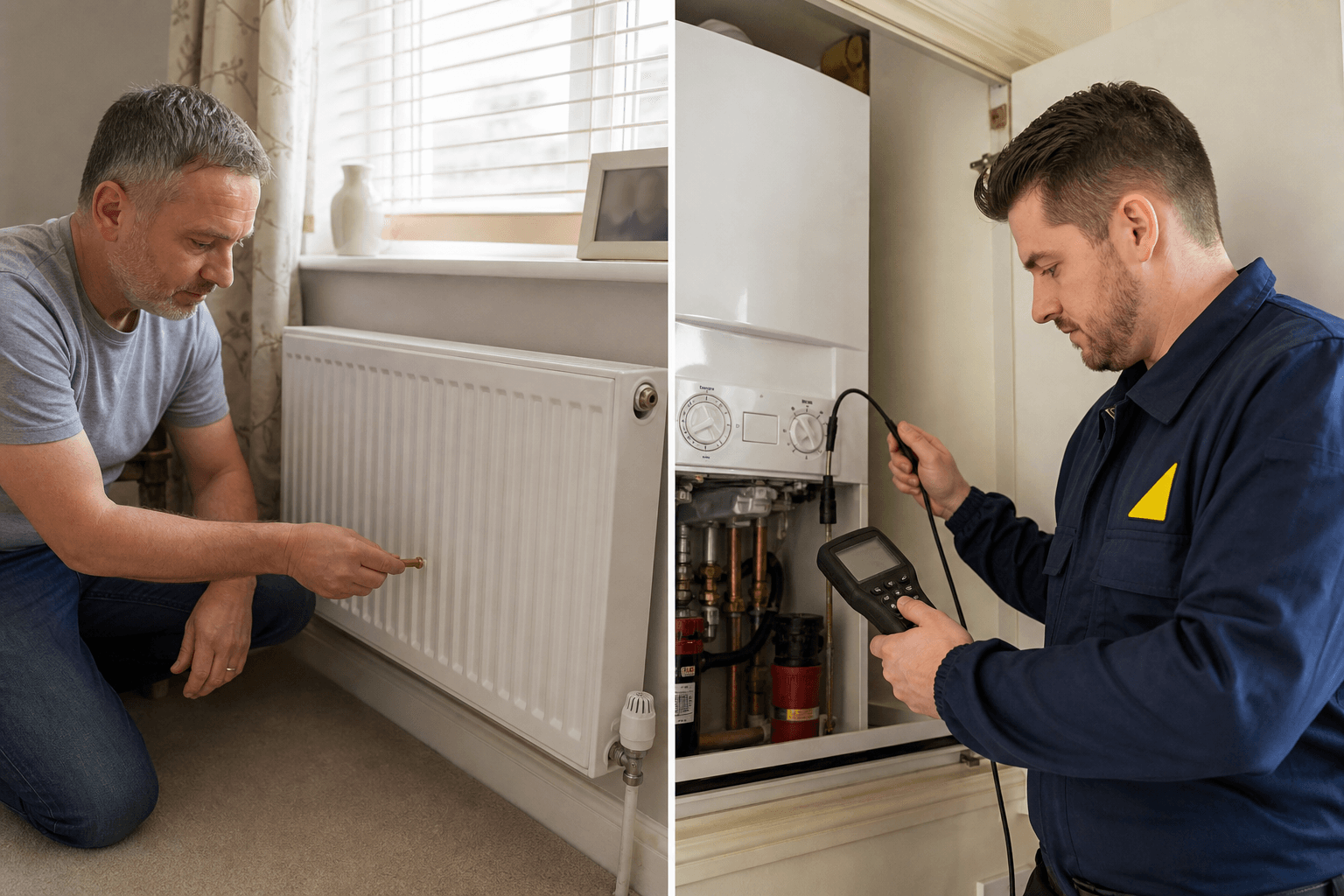
DIY gas work is a criminal offence in the UK. What's legal (bleeding, repressurising), what isn't, and when to call a Gas Safe engineer.
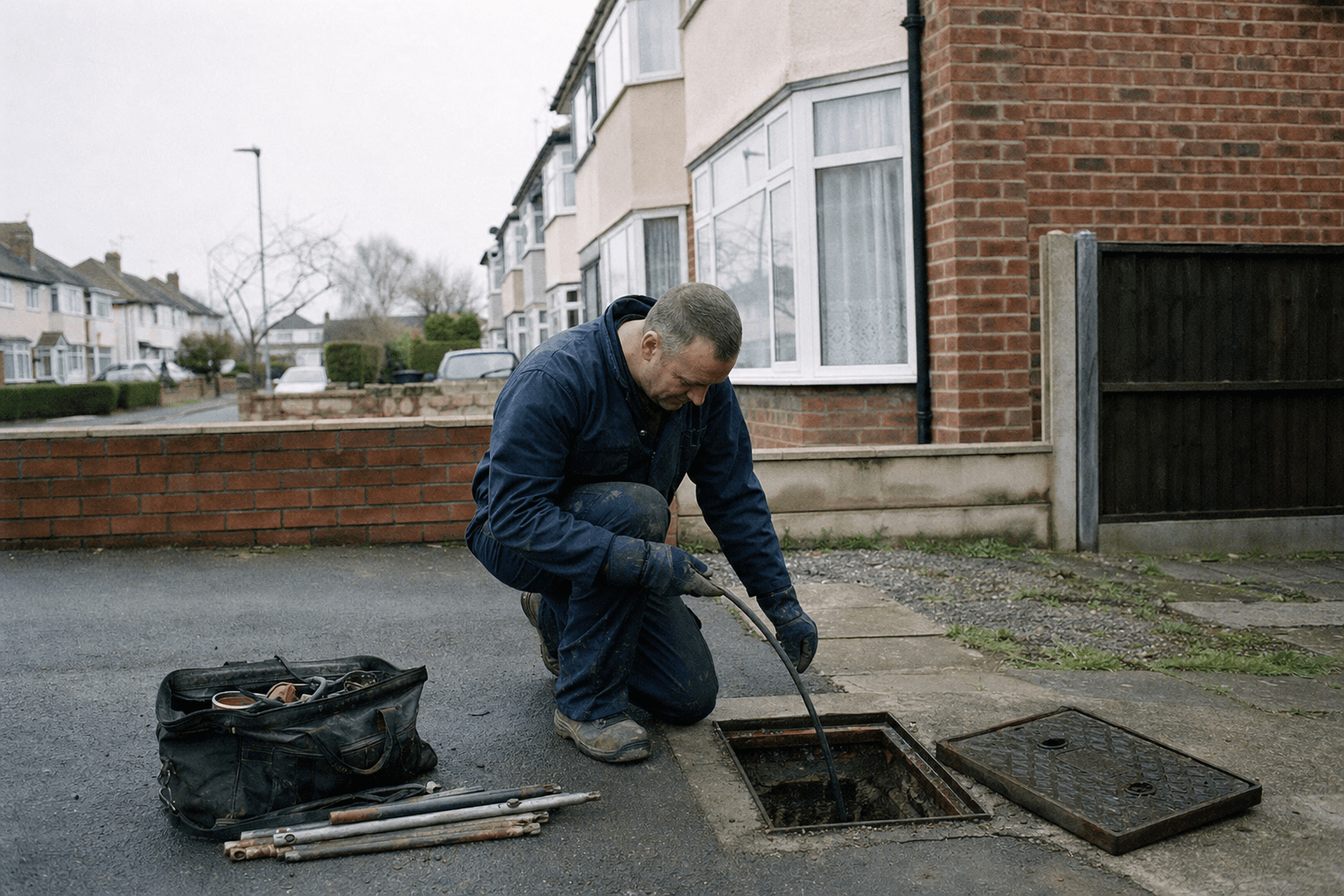
Hire a UK plumber for a blocked drain: 13 questions, who owns outside drains, and how to report a blockage to your water company. Get a fair quote.
Related services
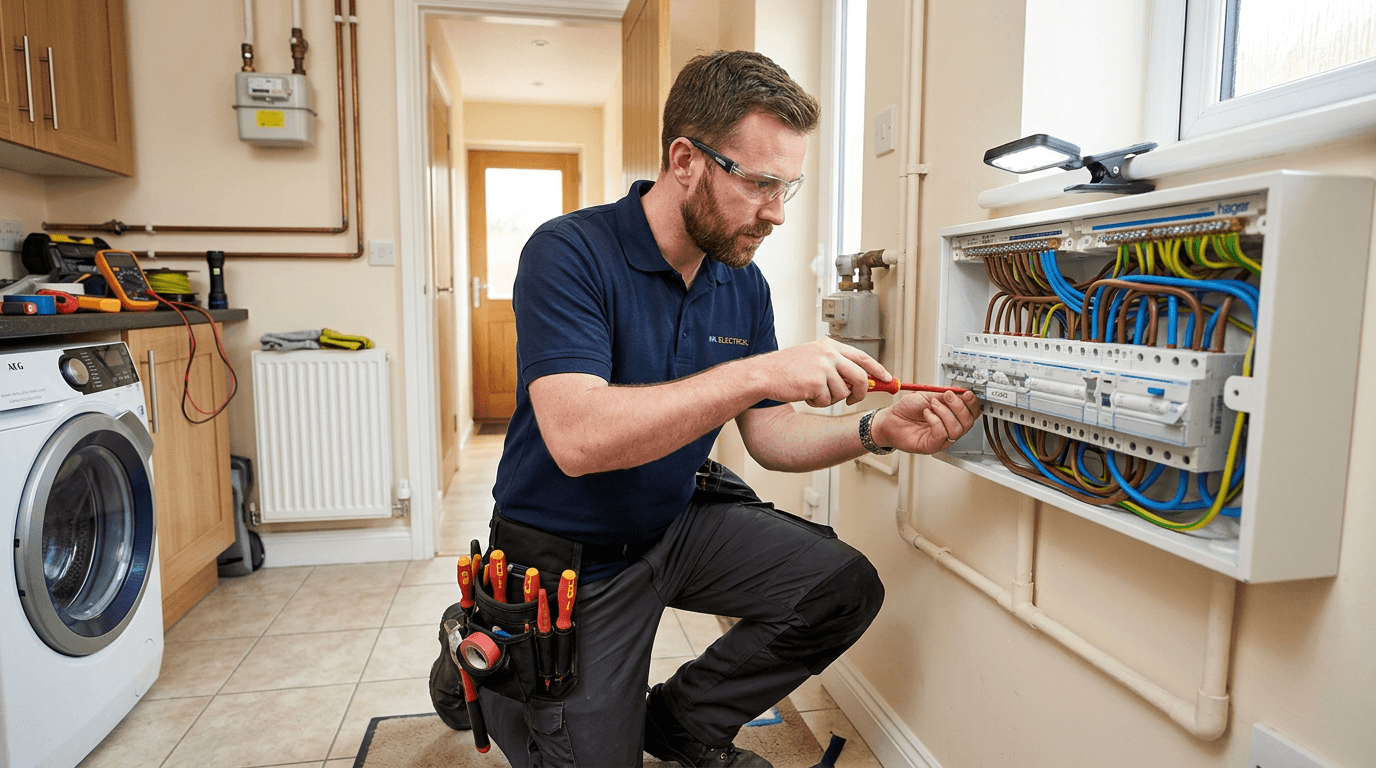
Book electrical jobs with Taskino to find qualified, insured electricians across the UK for safe repairs, installations and testing with clear quotes.
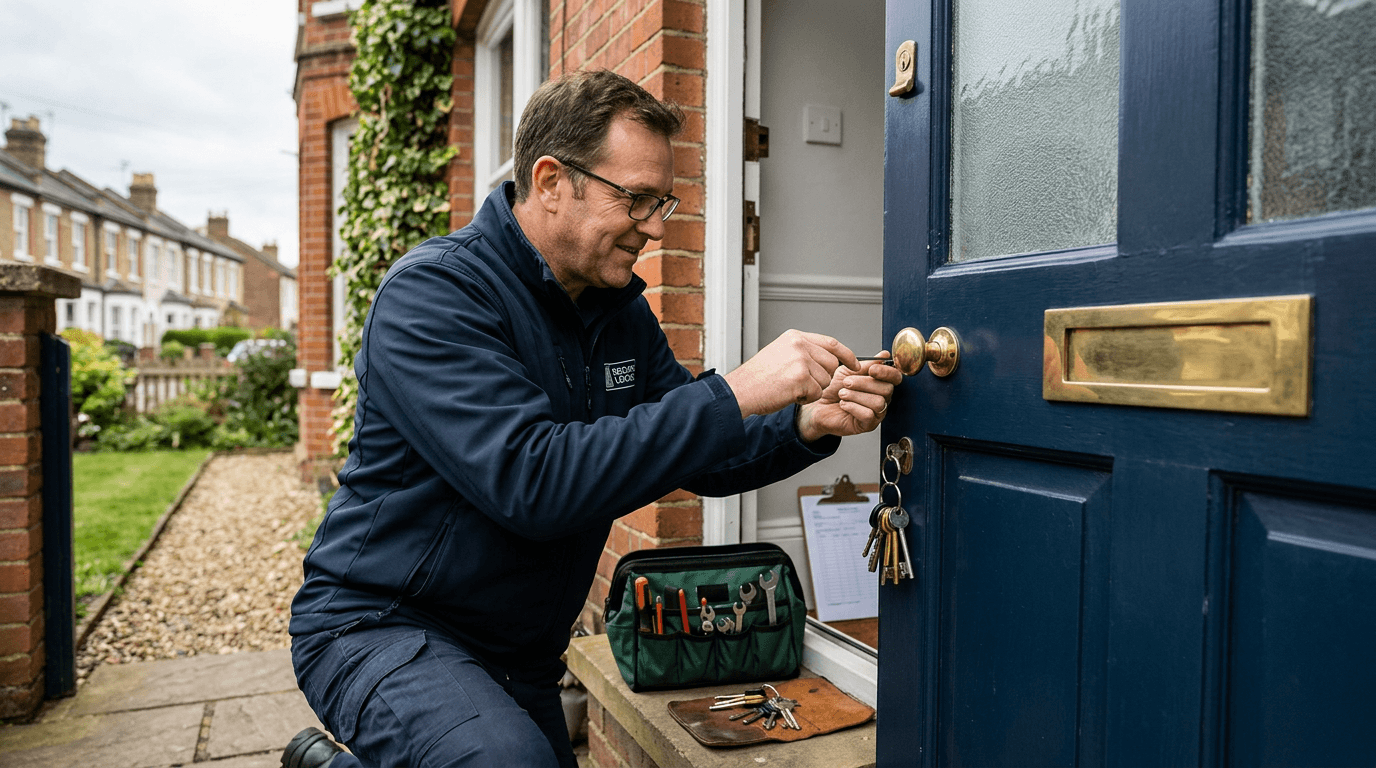
Professional door and lock repairs across the UK. We fix sticking doors, adjust latches and multipoint gear, change cylinders and handles, with clear quotes and insured handymen who arrive fully equipped.
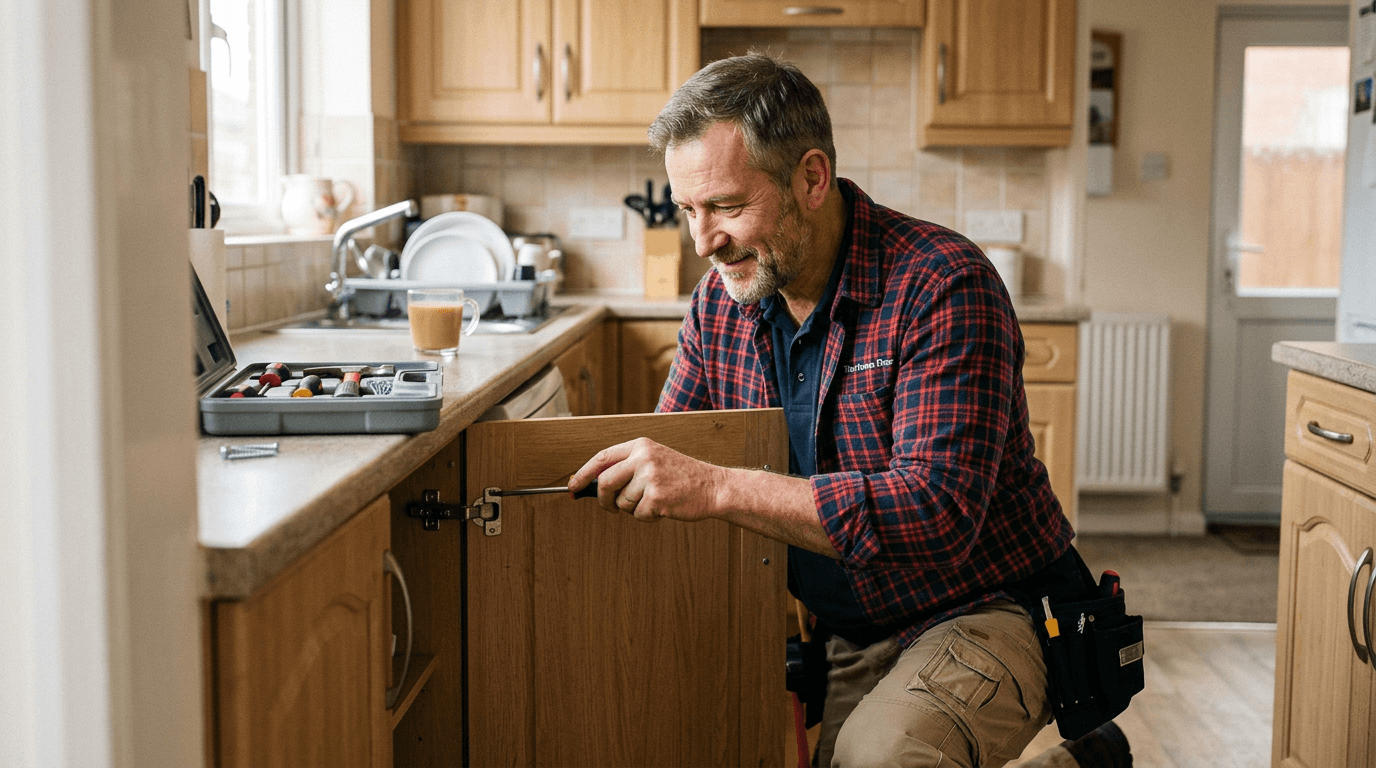
Minor repairs arranged through Taskino: taps, doors, plaster patches, loose fittings and more. Vetted handymen, clear quotes, fully equipped visits, and a tidy finish.
Ready to Book Your Service?
Tell us what you need and our team will help you find the right professional quickly, with clear pricing and no hidden fees.